

Download UkeySoft iOS System Recovery – iOS system recovery, iPhone recovery tool, fix iPhone stuck in recovery mode, recover data from iPhone, iOS 14 recovery, repair iPad
Overview
UkeySoft iOS System Recovery is a targeted utility designed to address critical operational issues on iPhones and iPads running iOS 14 and earlier versions. The application functions as a recovery tool, enabling users to restore devices through a Windows-based computer. Its primary purpose is to resolve persistent system failures such as being stuck in recovery mode, displaying a white Apple logo, or showing a black screen—common scenarios that render devices unusable. This makes it a vital resource for users facing sudden system breakdowns without access to Apple’s official support channels.
Designed for individuals who rely heavily on their iOS devices for personal or professional use, the app serves as a lifeline when standard troubleshooting methods fail. It is especially useful for users who need to preserve data during the recovery process, offering a solution that balances system repair with data retention. Although the developer did not provide additional technical details about the software’s architecture or underlying mechanisms, its functionality is clearly focused on device recovery and stability restoration.
Within the broader mobile app ecosystem, UkeySoft fills a niche gap by offering a Windows-compatible alternative to Apple’s proprietary tools. Its release in August 2021 reflects a growing demand for third-party recovery solutions that are both accessible and effective. While not intended for routine maintenance, it plays a significant role in emergency device recovery scenarios.
Key Features & Functionality
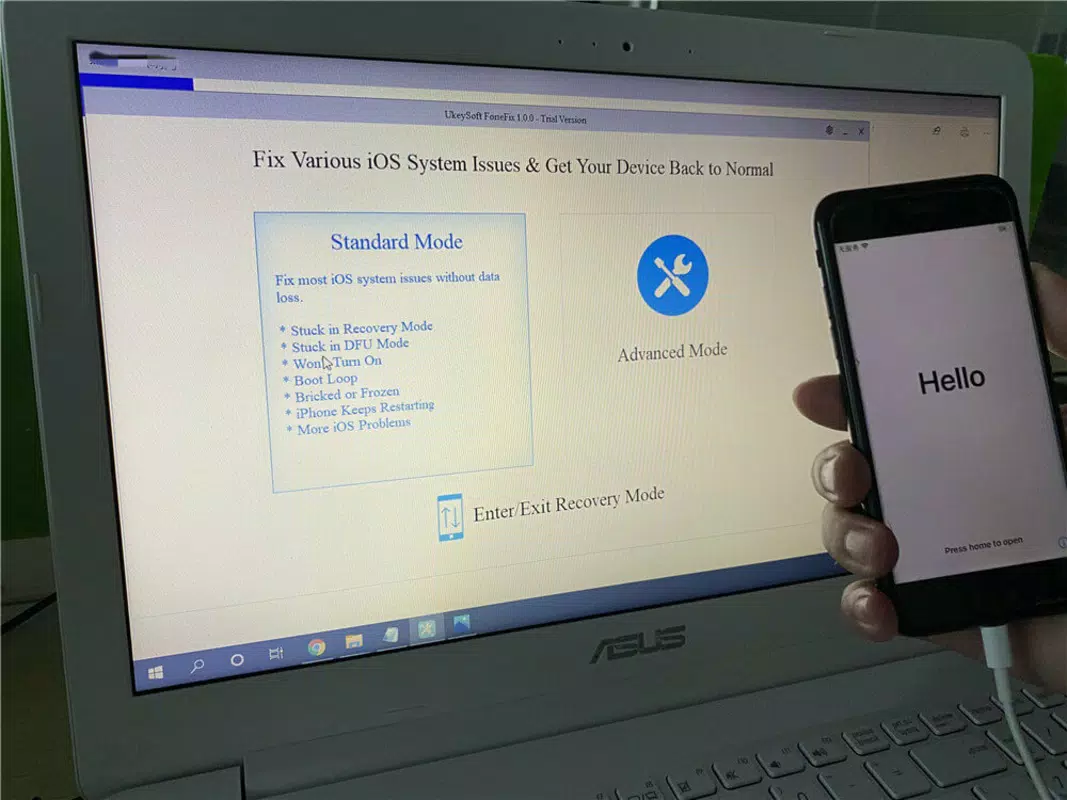
- Fix Various iOS Issues: The software is engineered to resolve multiple common iOS malfunctions, including devices stuck in recovery mode, persistent white Apple logos, and black screens. This ensures users can regain access to their devices after critical system failures.
- Two Recovery Modes: UkeySoft offers two distinct recovery approaches, allowing users to select the most appropriate method based on their specific device state. This adaptability enhances the tool’s effectiveness across diverse failure scenarios.
- No Data Loss Repairs: A standout capability is the software’s ability to repair iOS systems without erasing user data. This is particularly valuable for individuals who store important photos, messages, and documents on their devices.
- One-Click Recovery Mode: The tool simplifies the process of entering or exiting recovery mode with a single click, reducing the complexity for non-technical users who may struggle with manual setup procedures.
- Downgrade Without Jailbreak: Users seeking to revert to an older iOS version can do so through UkeySoft without requiring jailbreaking, preserving the device’s security and integrity.
For example, a user whose iPhone won’t boot past the Apple logo can use UkeySoft to enter recovery mode and initiate a repair with minimal effort. Similarly, someone needing to downgrade from a problematic iOS update can use the tool to safely revert without compromising device security. These real-world applications highlight its practical value in emergency recovery situations.
Interface, UX & Performance
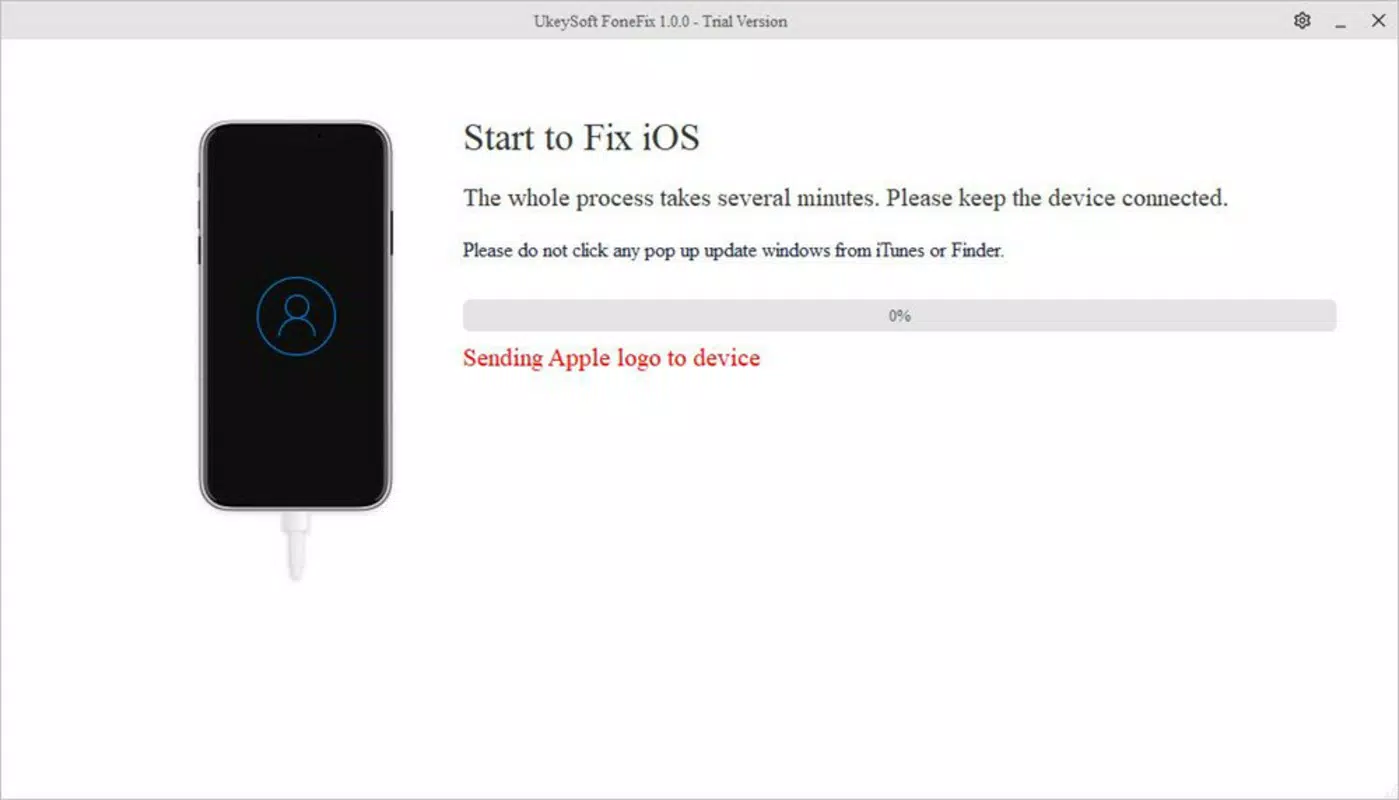
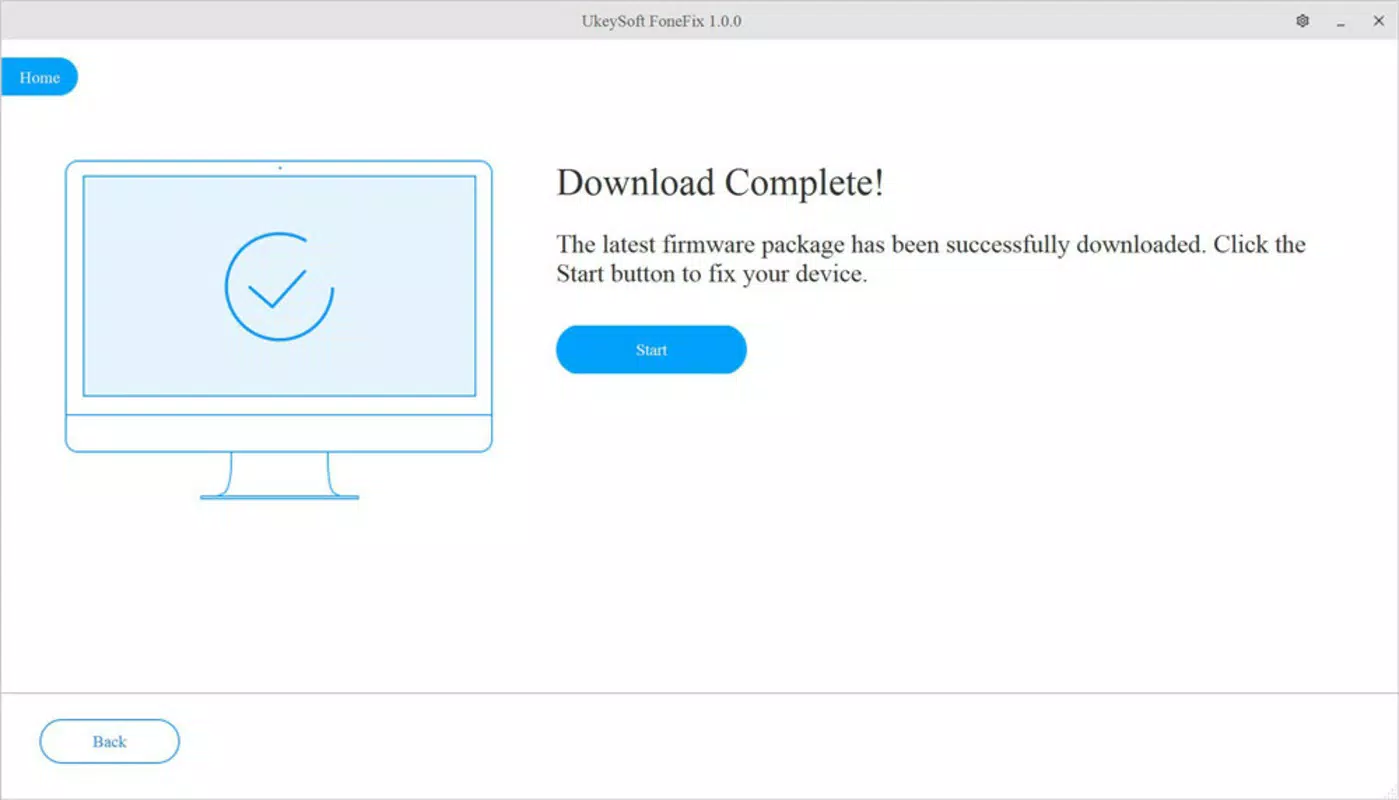
The user interface of UkeySoft iOS System Recovery is designed with simplicity in mind, focusing on clarity and ease of navigation. The layout is minimalistic, with clearly labeled buttons and step-by-step prompts guiding users through the recovery process. Visual cues are used effectively to indicate progress, helping users understand the current stage of the repair operation.
Navigation is linear and intuitive, requiring users to connect their iOS device via USB, select a recovery mode, and initiate the process. The absence of cluttered menus or advanced settings makes it accessible even to those with limited technical experience. Responsiveness is consistent during operation, with timely feedback after each action, though the developer did not list formal performance metrics.
Although the developer did not specify minimum OS requirements or performance benchmarks, the tool appears stable during typical recovery sessions. It functions reliably across various Windows configurations, though compatibility with newer Windows versions was not fully disclosed. Overall, the software maintains a consistent performance level during device restoration, ensuring a smooth experience from start to finish.
Platform Compatibility & Technical Requirements
UkeySoft iOS System Recovery is available exclusively for the Windows platform. It is compatible with Windows-based systems, though the developer did not specify minimum OS requirements or hardware specifications. The software has a file size of 36.4 MB, making it lightweight and easy to download and install.
Users must have a compatible Windows computer to utilize the tool, as it does not support macOS or mobile operating systems. The current version is 1.0.0.1, and the app is offered at no cost. The release date was August 3, 2021, indicating that it has been available for several years, suggesting a stable and tested release history.
Compatibility information was not fully disclosed, and specific device models supported were not listed. However, the software is explicitly designed for iPhones and iPads running iOS 14 and lower, which narrows its target audience to older iOS devices.
Pros and Cons
Pros
- Effective solution for critical iOS system failures
- Offers two recovery modes for flexible troubleshooting
- Repairs system issues without data loss
- One-click recovery mode simplifies complex processes
- Allows iOS downgrading without jailbreaking
- Available for free on Windows
Cons
- Not compatible with iOS 15 and above
- Only available for Windows, not macOS or mobile platforms
- Specific device compatibility was not listed
- No official support for newer Windows versions was confirmed
- Developer did not provide detailed system requirements
FAQ
Is UkeySoft iOS System Recovery safe to use?
The software is designed to restore iOS devices without compromising data integrity. It does not require jailbreaking and operates through official recovery channels, making it a secure option for emergency repairs.
Can I use UkeySoft on macOS?
No, the application is currently only available for Windows. There is no official version for macOS or other operating systems.
Does UkeySoft support iOS 15 and later versions?
Based on the provided information, the tool is specifically designed for devices running iOS 14 and lower. Support for newer iOS versions was not confirmed.
Do I need to jailbreak my device to use UkeySoft?
No, the software allows users to downgrade iOS versions without requiring jailbreak, preserving the device’s security and warranty status.
How do I update UkeySoft iOS System Recovery?
As the current version is 1.0.0.1 and the app is free, users should check the official website for updates. The developer did not specify an automatic update mechanism.
Final Thoughts
UkeySoft iOS System Recovery stands out as a dependable, no-cost solution for users grappling with severe iOS device issues. Its ability to repair devices without data loss, combined with a user-friendly interface and support for downgrading iOS versions, makes it a valuable tool for anyone managing older iPhones or iPads. While its compatibility is limited to Windows and older iOS versions, it fills a critical need in the mobile recovery space.
For individuals who rely on their iOS devices and face sudden system failures, this tool offers a practical, accessible way to restore functionality. Its straightforward design and targeted features ensure minimal friction during high-stress recovery scenarios.
Download UkeySoft iOS System Recovery now to safeguard your data and restore your device with confidence.


